




← All work

Case study

A retreat app that makes booking easier and invites people to discover new experiences

Travel UP is an app for people who love to explore new places, people and activities. It brings everything about a retreat into one place, so finding and booking the right one feels easy and friendly, and invites people to discover kinds of retreats they hadn’t considered. I took it from concept and UX research to UI design and a prototype.

  • Mobile app
  • Wellness
  • Concept
Year
2023
Role
Concept, UX research, UI design, prototyping
Tools
  • Figma

01 — Context

Where this project started

Travel UP started with people who love to explore new places, people and activities. I wanted to encourage them and help them choose a vacation that adds real value. So I designed an app that keeps every detail of a retreat in one place, makes booking easier and friendlier, and invites people to explore new kinds of retreats.

02 — Problem

Too much information, too little time

People today want a vacation with value, but looking for one online means facing an overwhelming amount of information. Planning a trip takes a lot of research: comparing prices, reading reviews and checking availability. It takes time and gets frustrating, especially for people with busy schedules.

03 — Research

How I studied the problem

Part 1 Competitive research

Learning from the leading marketplace apps

I started with the leading marketplace apps for vacations and experiences: Airbnb, Selina, Booking and Tripadvisor. I looked at how each of them presents what it offers, and used that to offer retreats that give people real value. A usability research plan showed me which features and calls to action engage people most, and lead to the highest conversion.

  • Booking
  • Selina
  • Tripadvisor
  • Airbnb

Part 2 User research

Meet Ofra

To understand what people need and want, I interviewed potential users about what gets in their way when they search for retreats and vacations with added value. From these insights, I built a persona that represents the people I was designing for.

Ofra, smiling, with long fair hair

Ofra A.

Age
33
Occupation
Digital marketing manager
Location
Tel Aviv

Bio

Ofra was born and raised on a kibbutz in the north of Israel and moved to Tel Aviv 10 years ago. She has practiced yoga and pilates for the last few years.

Personality

  • Friendly and emotional.
  • Design and aesthetics matter to her.
  • Very comfortable with technology.
  • Loves to travel and spend time in nature.

Pain points

  • No time to research the specific retreat she wants.
  • She doesn’t trust every instructor she finds online, and wants to know more about them.
  • The information isn’t in one place.

What she expects from the app

  • Find the right retreat for her in less time.
  • Well-organized information, with every detail she wants in one place.
  • Reviews of both retreats and instructors.
  • One place that presents all the information effortlessly.
In her words

“Great idea! If there was such an app, I would be happy to use it.”

04 — Insights & approach

Turning research into a UX

The research made the direction clear: one app where every detail of a retreat opens in one place, from the description and instructors to accommodation, reviews and dates. Less time searching, more time exploring, and room to discover retreats people hadn’t thought of.

Today

One trip, too many places to check

Prices, reviews and availability each sit somewhere else. Planning a trip means jumping between them, and the research takes time Ofra doesn’t have.

With Travel UP

Every detail of a retreat in one place

Description, instructors, accommodation and reviews open on the same retreat page, with the dates and booking one tap away.

05 — User flow

From first screen to your next retreat

Splash screen Welcome
Log in
Sign up
Home screen
Start exploring – general mapSearch by category – map
Categories retreats – mapChoosing an item
Search barSearch by retreat type
Item page Calendar Booking Thank you page

06 — Design system

One UI style guide for every screen

Colors

Colors

  • #FF4B4B / #F84B75
  • #FF4B4B
  • #F24986
  • #FCE3E3
  • #F0F4FF
  • #FFFFFF

Grey scale

  • #111C35
  • #3C4657
  • #8B939E
  • #B0B9C7
  • #E2E8F0
  • #ECEEF1

Typography – Poppins

Poppins

Regular · Medium · SemiBold · Bold · ExtraBold

Type scale
StyleSizeLineWeight
Desktop header 152px100%Bold · Regular
Desktop header 240px50pxBold · Regular
Headline 132px44pxBold · SemiBold
Headline 225px34px · 30pxExtraBold · SemiBold
Headline 320px100%Bold · Medium
Title18px100%Bold · Medium
Subtitle16px20pxBold · Regular
Body14px100%SemiBold · Regular
Caption12px100%SemiBold · Regular
Button14px · 12px100%Bold
Legal caption10px100%Bold · Regular

Components

01 Atoms

Buttons

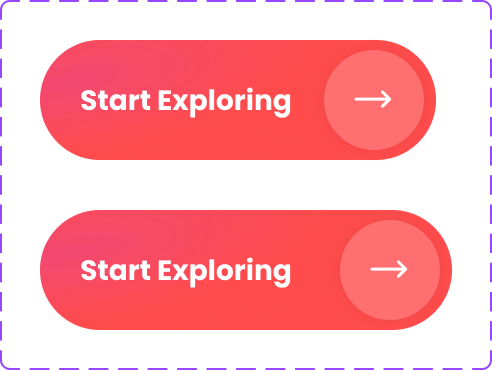
Create your account button in two states Start exploring button in two states

Check and wishlist

Check toggle, off and on Wishlist toggle, on and off

Category label

Meditation category label, off and on

View all

View all link in two states

Price label

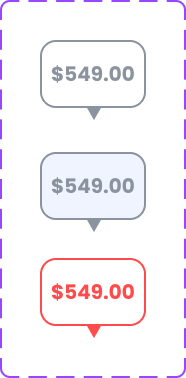
Map price label in three states

02 Molecules

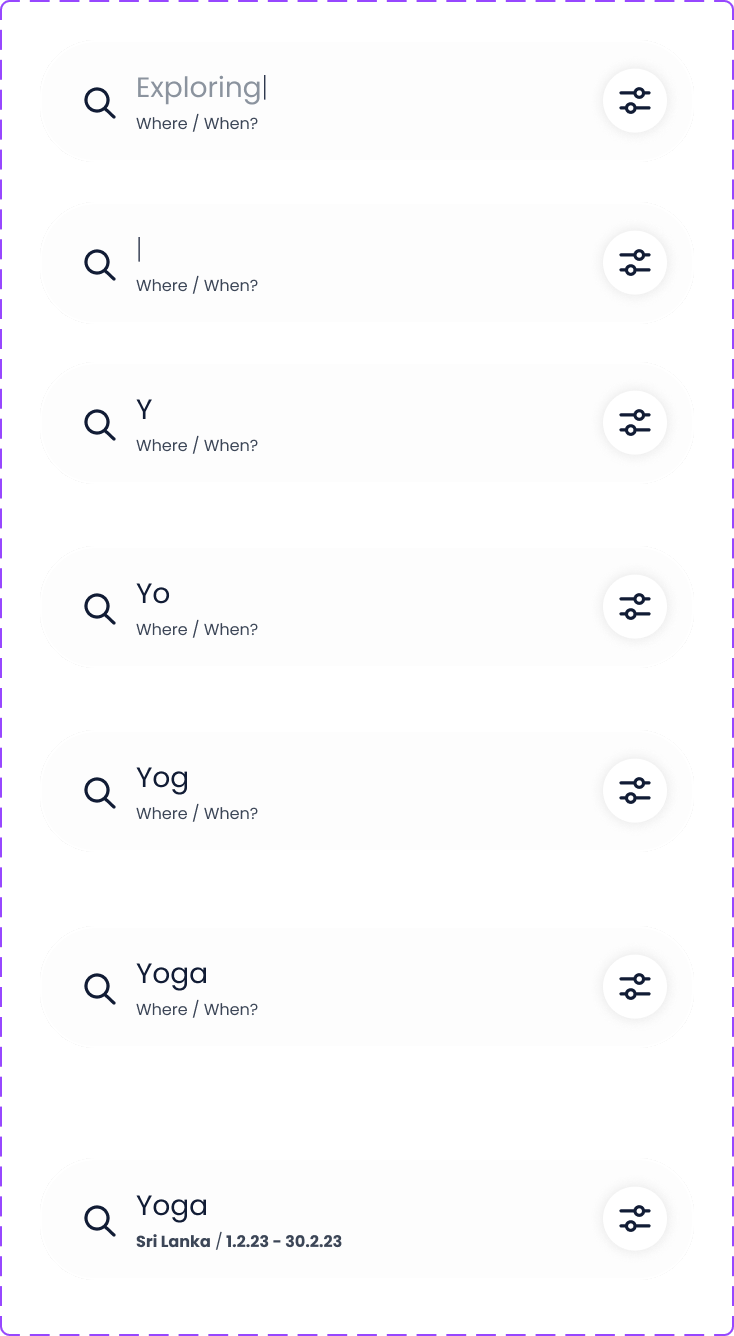
Search bar

Search bar while typing, from empty to a search with a place and dates

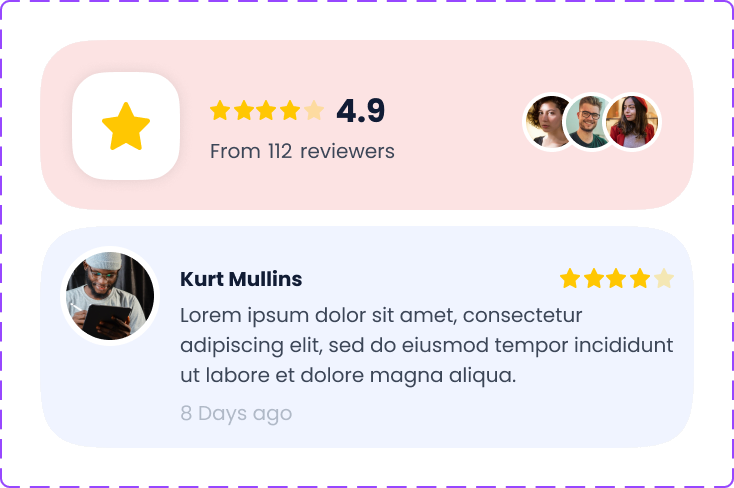
Reviews

Reviews summary with a 4.9 rating from 112 reviewers, and a single review

03 Organisms

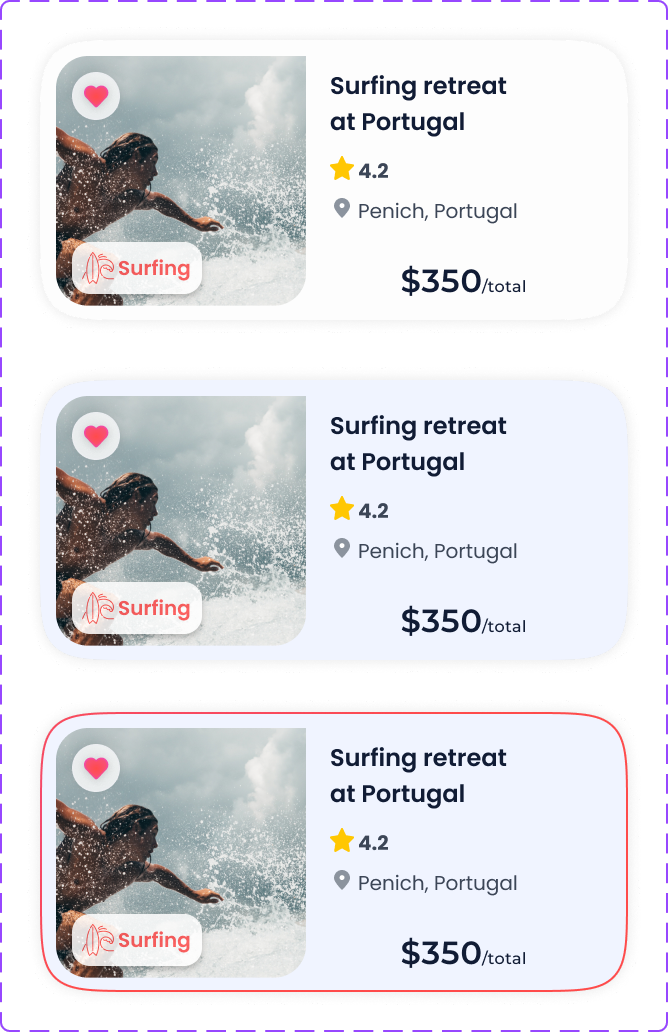
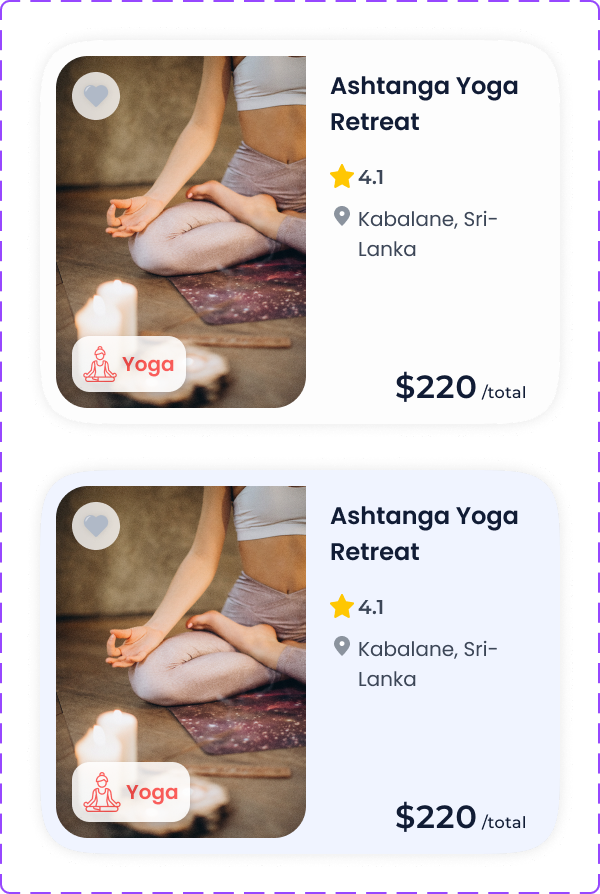
Retreat cards

Surfing retreat card in three states Ashtanga yoga retreat card in two states

Calendar

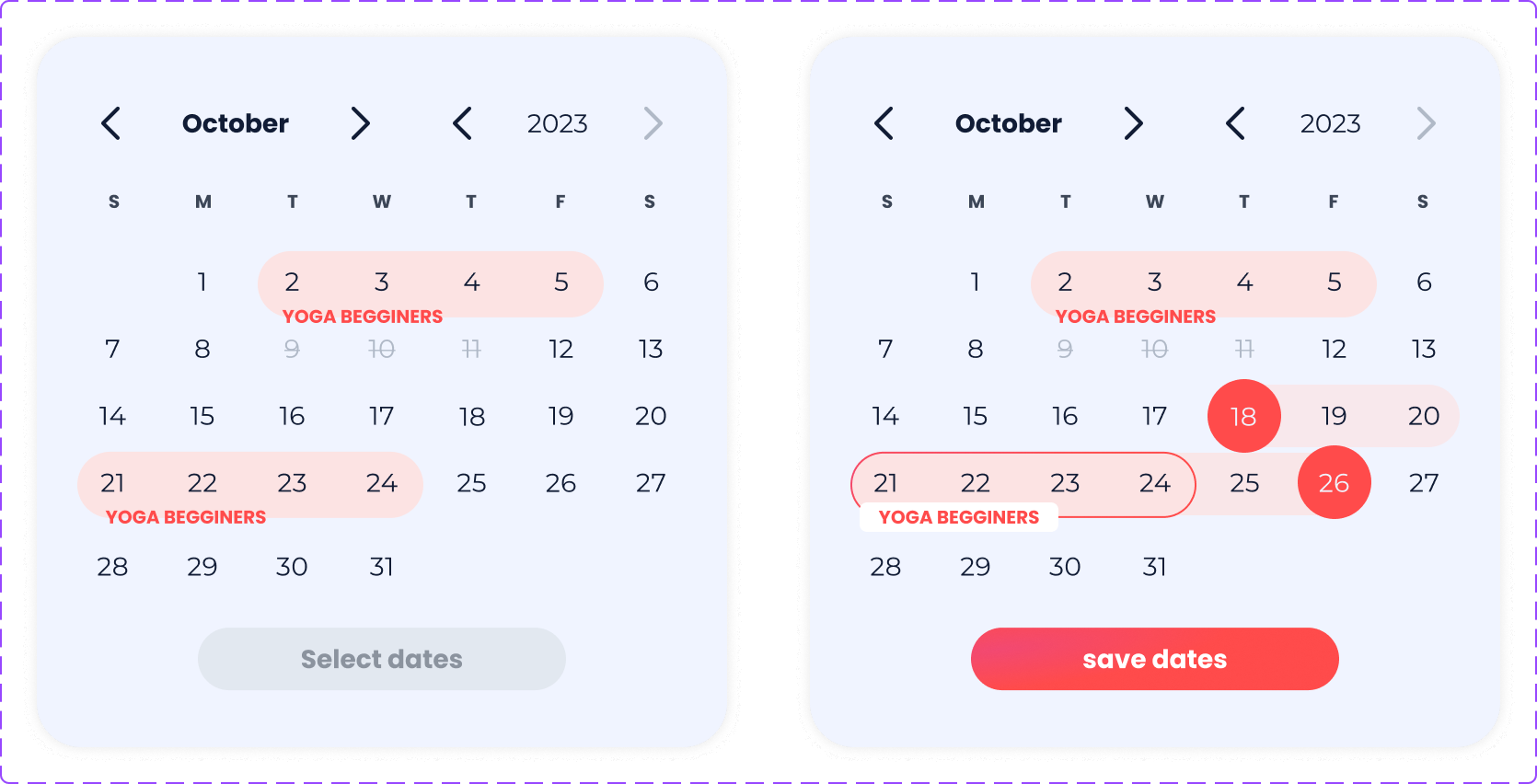
Calendar with retreat dates marked, before and after choosing dates

Card anatomy

Each retreat card shows the main information in a simple, organized way.

07 — Wireframes

Hover the screensTap the screens to see the final UI

The wireframes went through many drafts before reaching this stage. Each option grew out of the app’s concept, the usability study and new features I added along the way, and supports the app’s values.

Welcome
Map
Item page
Calendar

08 — UI design

Pleasant, modern and easy to trust

For the final UI, I wanted a pleasant, modern look that still feels professional and reliable. The design is clear and inviting, with gradient buttons and rounded shapes, so moving through the app feels clear and satisfying.

Screens From wireframes to design

01 · Splash and welcome

An invitation to explore from the first screen

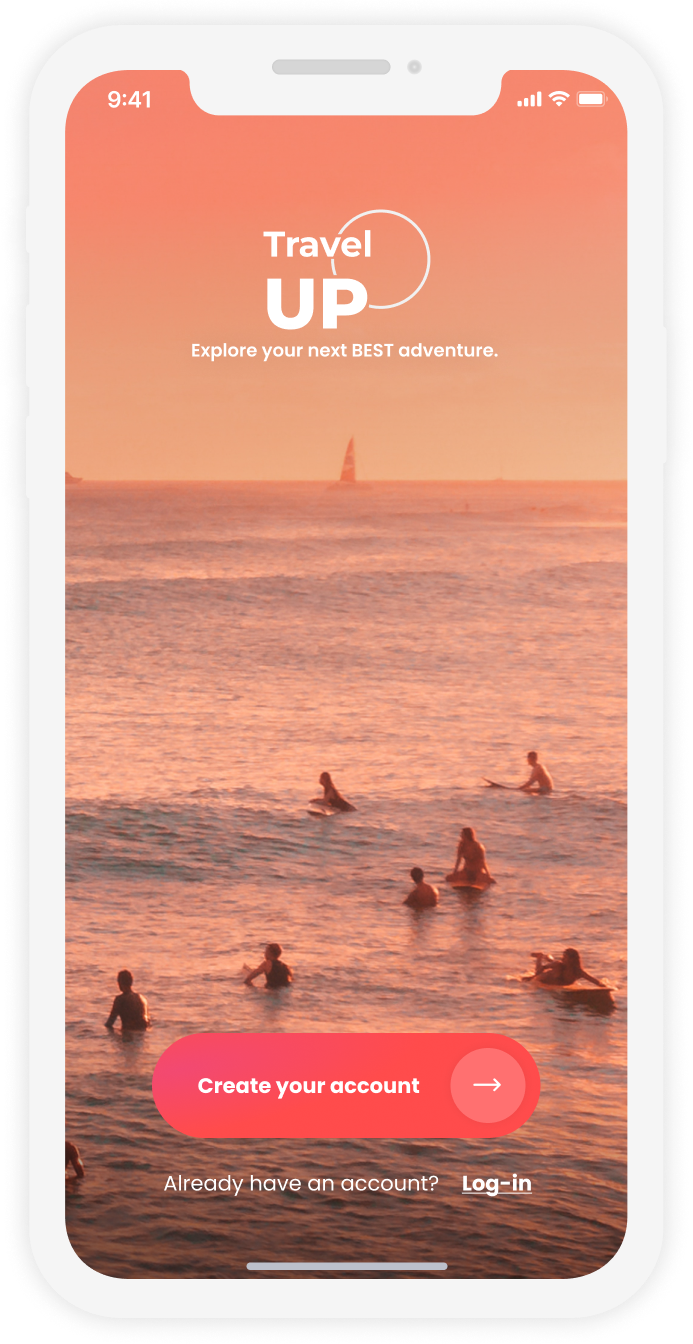
The splash screen shows the logo and colors and gives a first taste of the app’s tone of voice. It welcomes people, shares the vibe and energy of the app, and invites them to explore.

The welcome page then takes them deeper into the retreats, so they can quickly find what they’re looking for, or discover a retreat they hadn’t thought of that might be just right for them.

02 · Home page

Three simple ways into the retreats

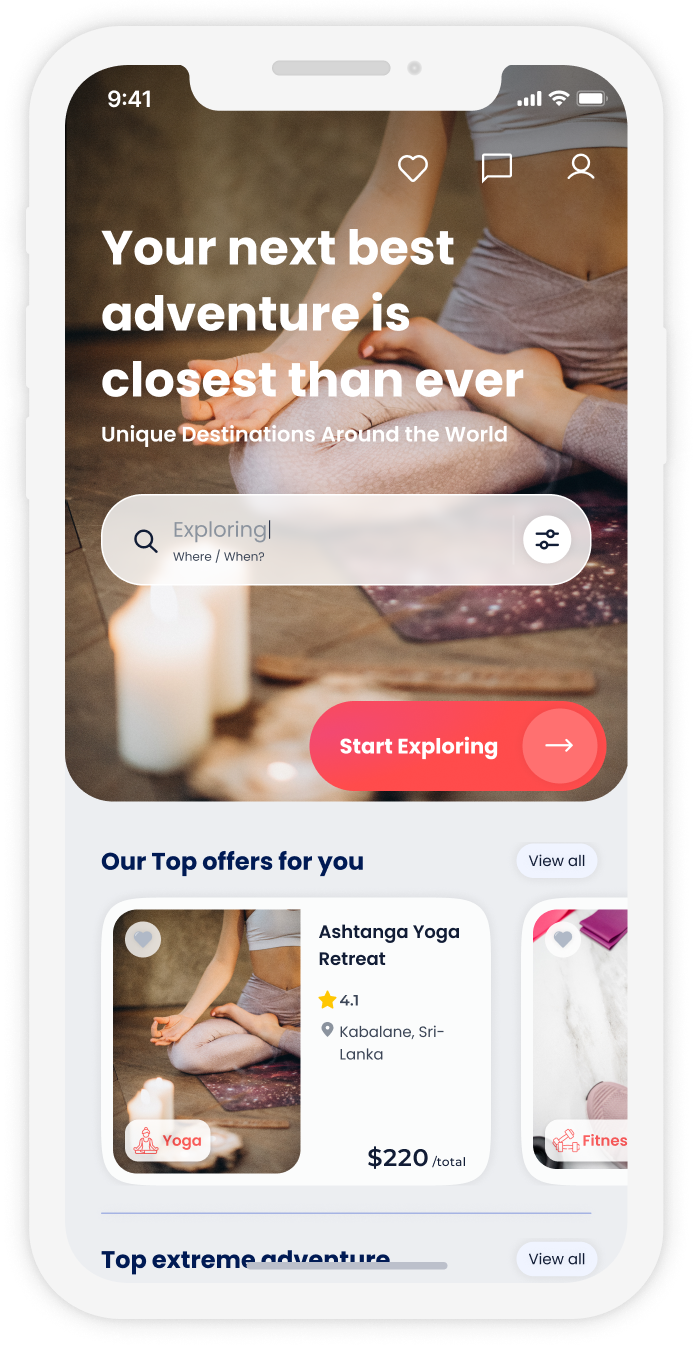
A large image banner sits at the top, with a search bar and a call to action on top of it. From here, people can start exploring in three ways: by a retreat card, by retreat type, which opens the map, or by search.

Each retreat card shows the main information in a simple, organized way. Tapping a card opens the item page. The search bar, the call to action and View all open the map.

03 · Map

A clean map that’s fun to explore

The map shows retreat pins based on each person’s choices, in an interactive, engaging view. Tapping a pin shows the retreat’s type, price, location and rating, and category labels let people see more than one category at a time.

The goal was a clean, minimal and beautiful map that shows the key information about each retreat.

04 · Item page

Everything needed to book with confidence

On top of what the cards show, the item page holds the description, instructors, accommodation, reviews and transactions, plus a calendar button.

The goal of this screen is trust. People can get to know who leads the retreat, find all the information they need, and see clearly everything the retreat includes.

05 · Calendar and booking

Choosing dates around the retreat

The calendar shows the next retreat events, with the retreat dates marked on top. People can choose to arrive before the retreat begins or stay after it.

If the dates already fit, they can skip the calendar and book straight away.

Let’s create awesome
products together